


 Track List
SPUD - Game Controller
The truly one-handed gaming controller
The Problem Worth Solving
What is SPUD?
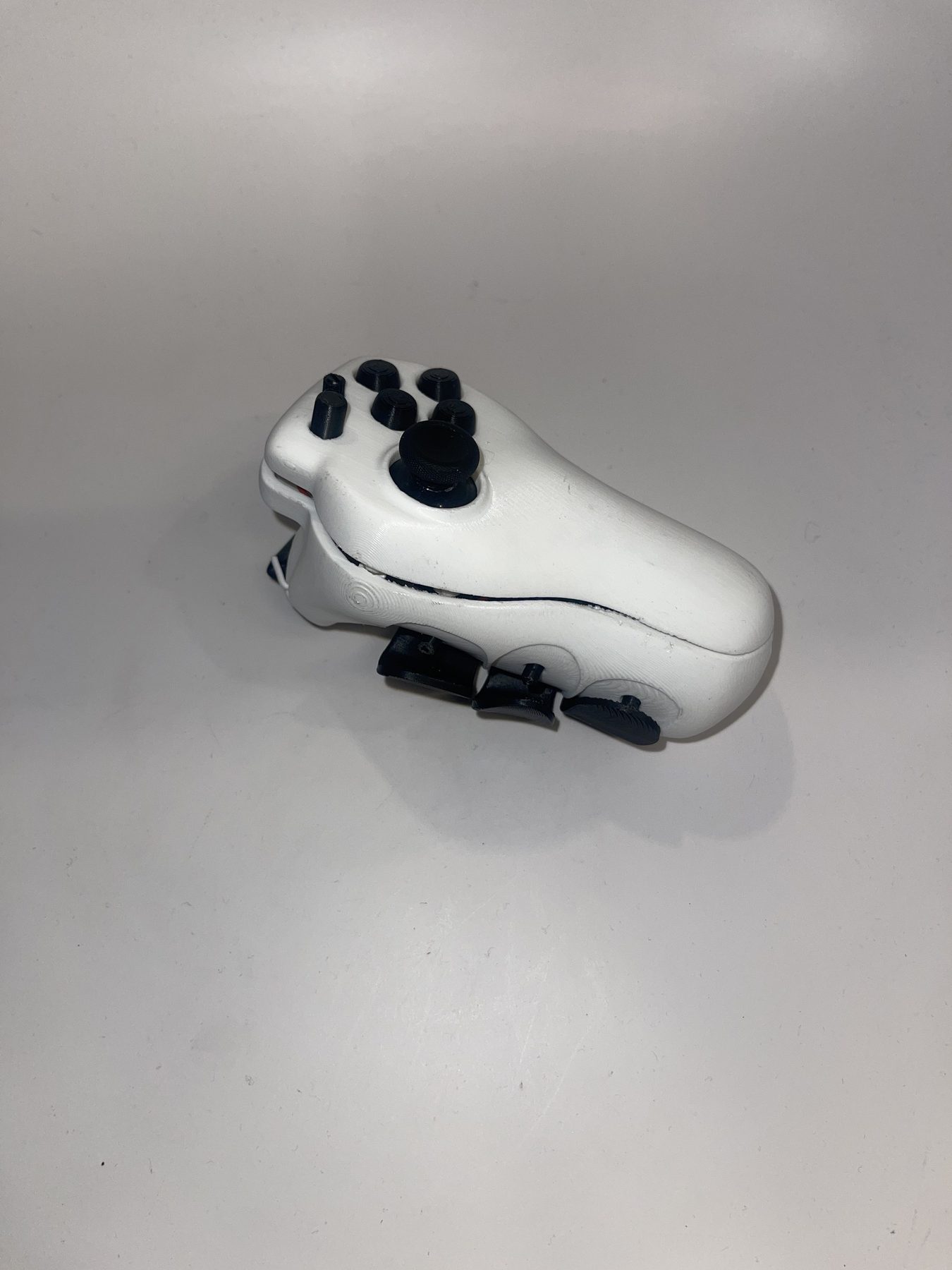
SPUD is the one-handed gaming controller that has the functionality of a traditional two-handed controller, while also staying cheaper, smaller, and more familiar than other accessibility controllers.
The Gap in the Market
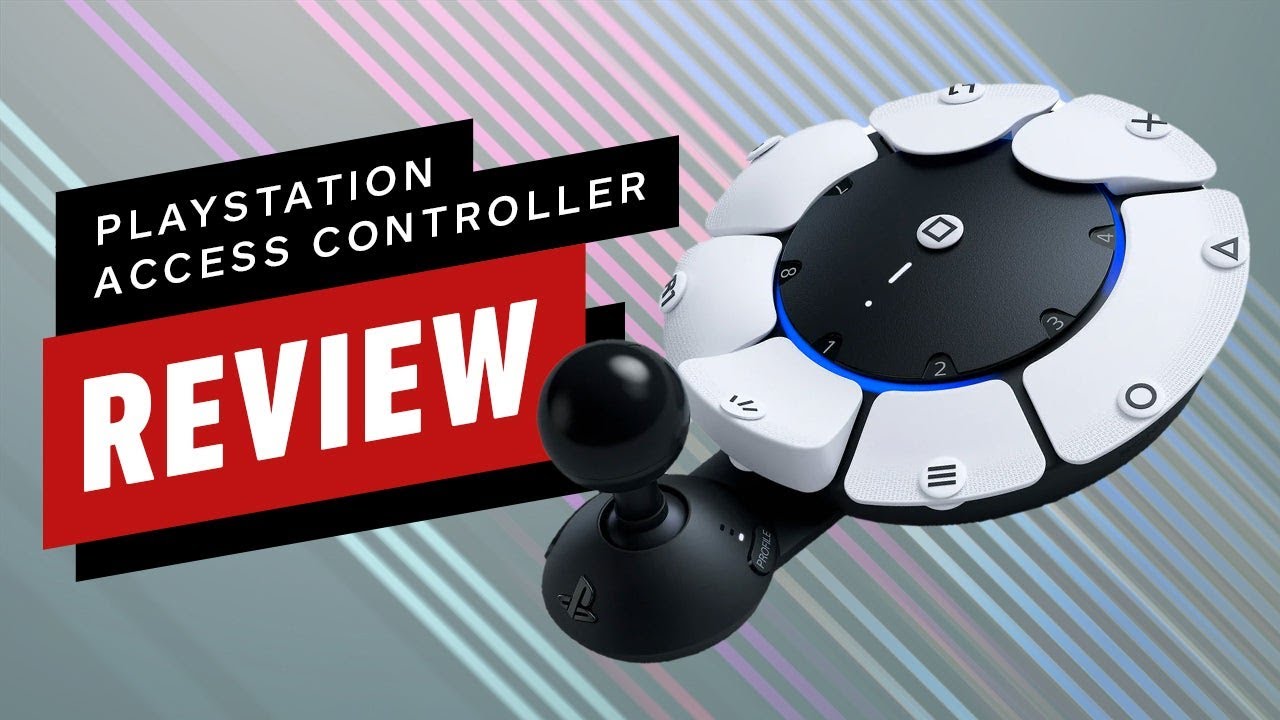
Current accessibility gaming controllers are large, expensive, and difficult to use, leading to an unfair playing field for gamers with only one functioning arm.
The Inspiration
A friend of mine who loves gaming also only has one functioning arm. Playing video games and seeing how he was using the current controllers inspired me to want to create SPUD.
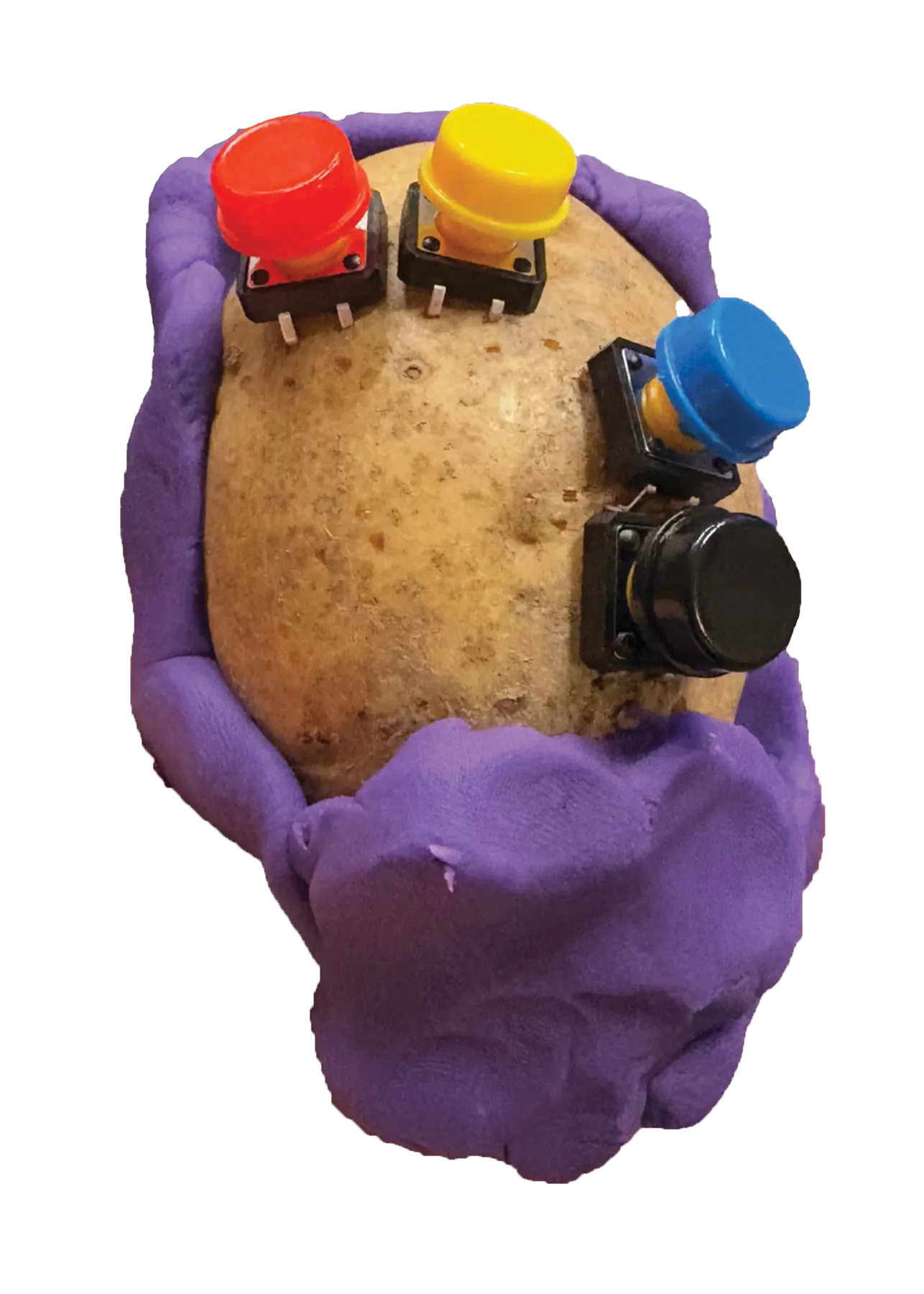
“How might we design a one-handed controller with the full functionality of a two-handed one, without the cost and complexity?”
Research
Did You Know?
- 2.1 million people are living with limb loss in the United States.
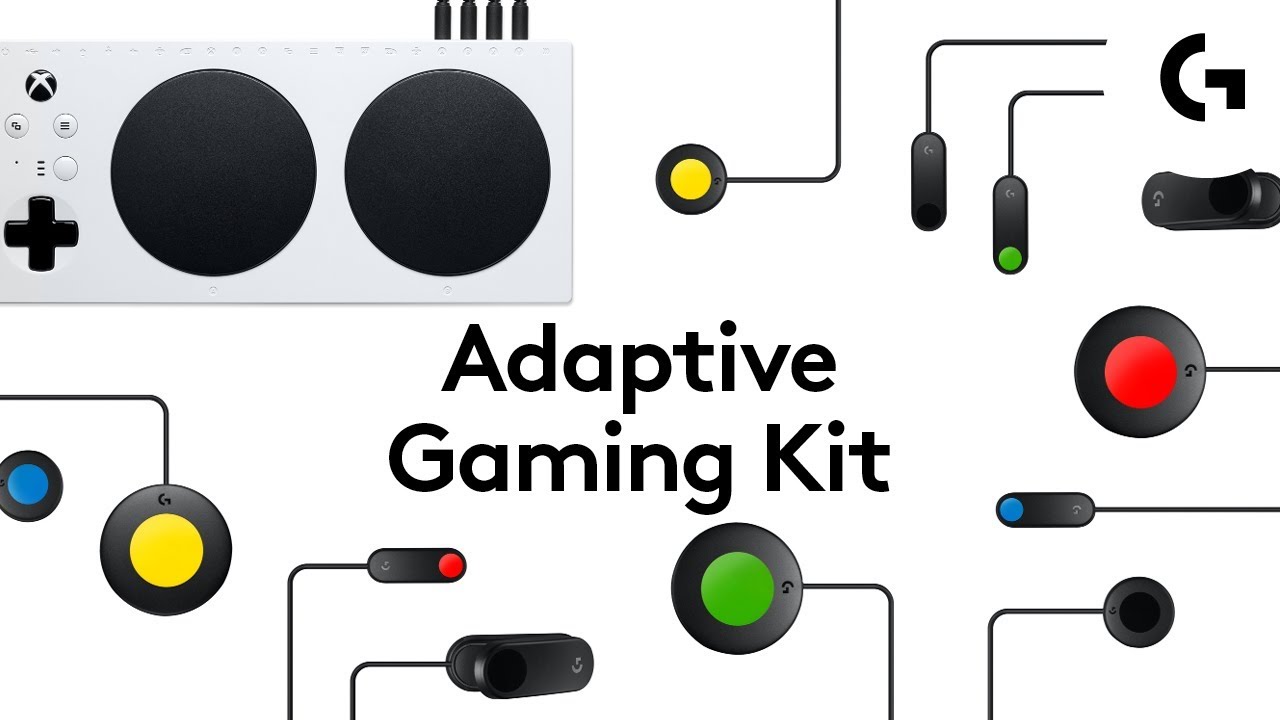
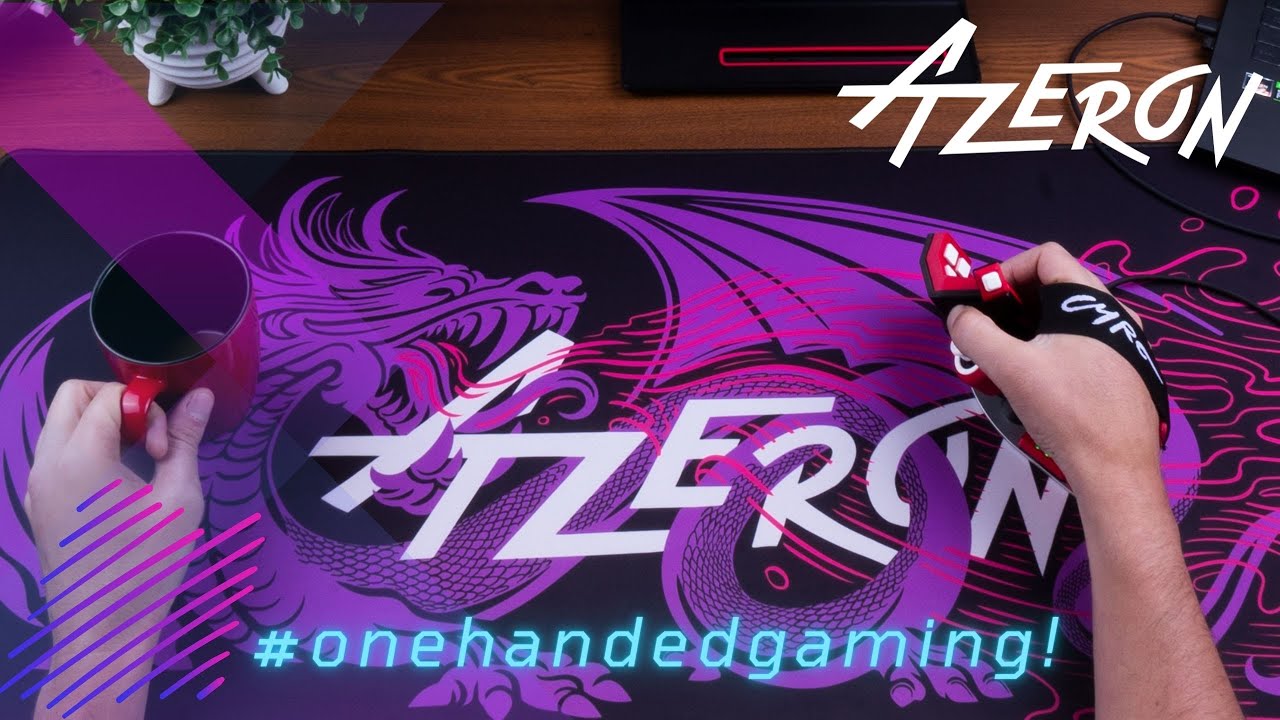
Competitors
Key Takeaways
- Most competitors are large setups, not something you can just pick up and play.
- Accessibility options stay expensive compared to a normal controller.
- Familiar feel and full functionality are still missing in one-handed designs.
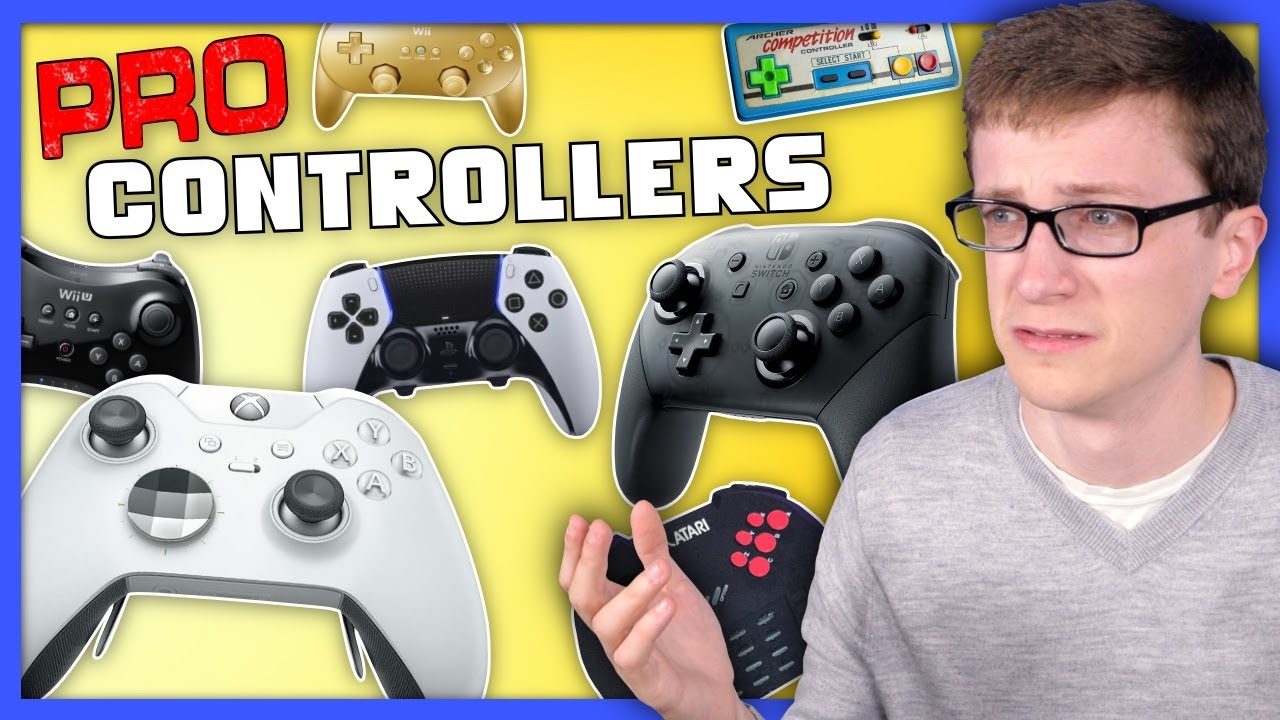
What is a game controller?
My ultimate goal was to learn as much as I could about the history of gaming controllers, why certain controllers have specific designs, and what worked and didn't work.
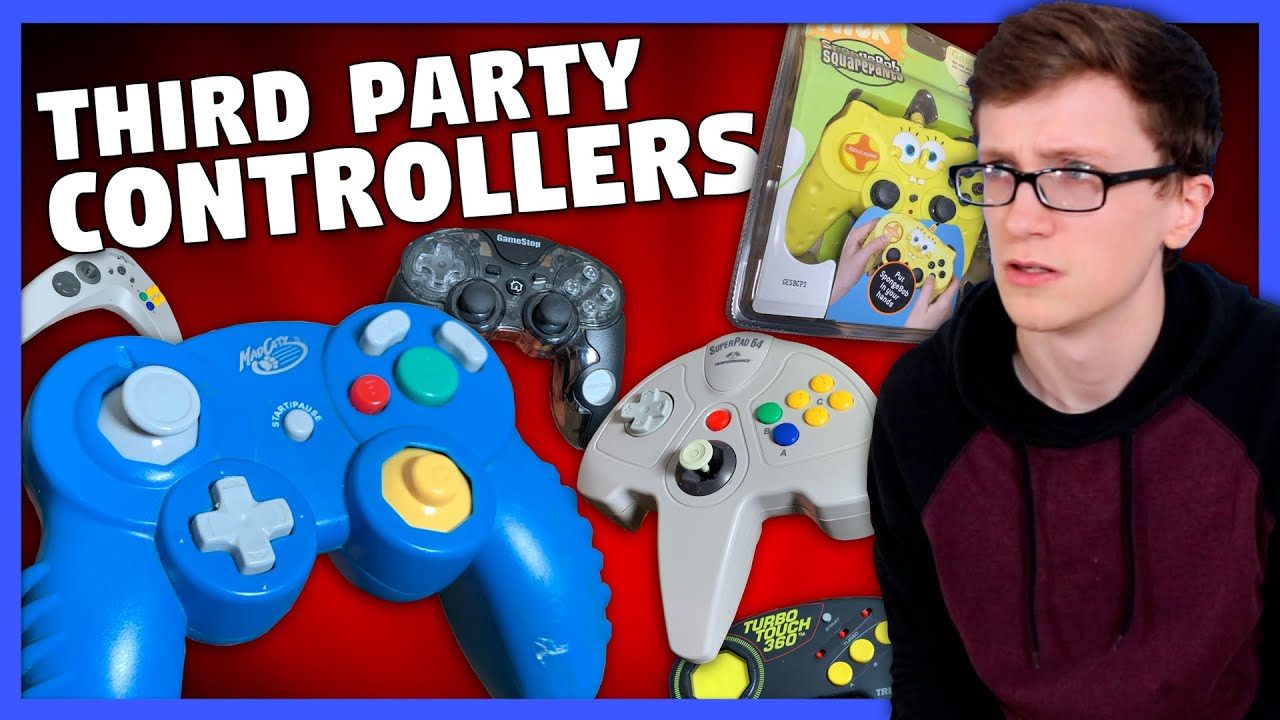
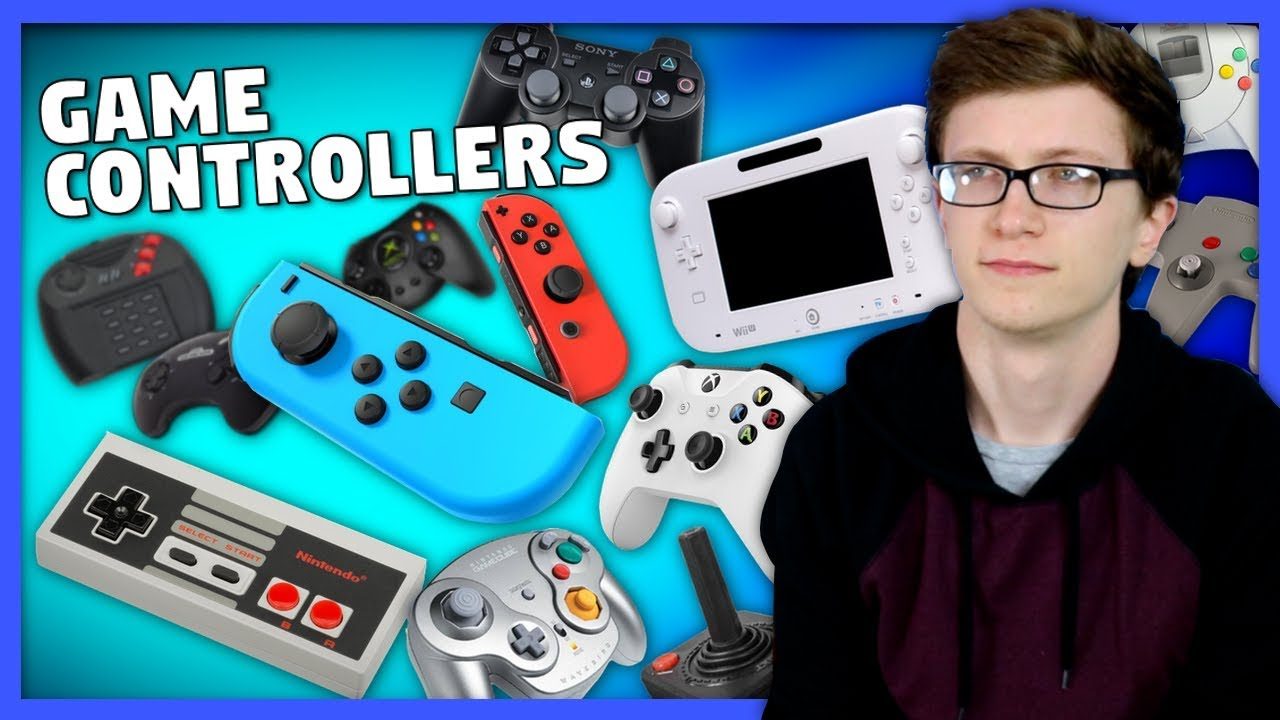
User Testing
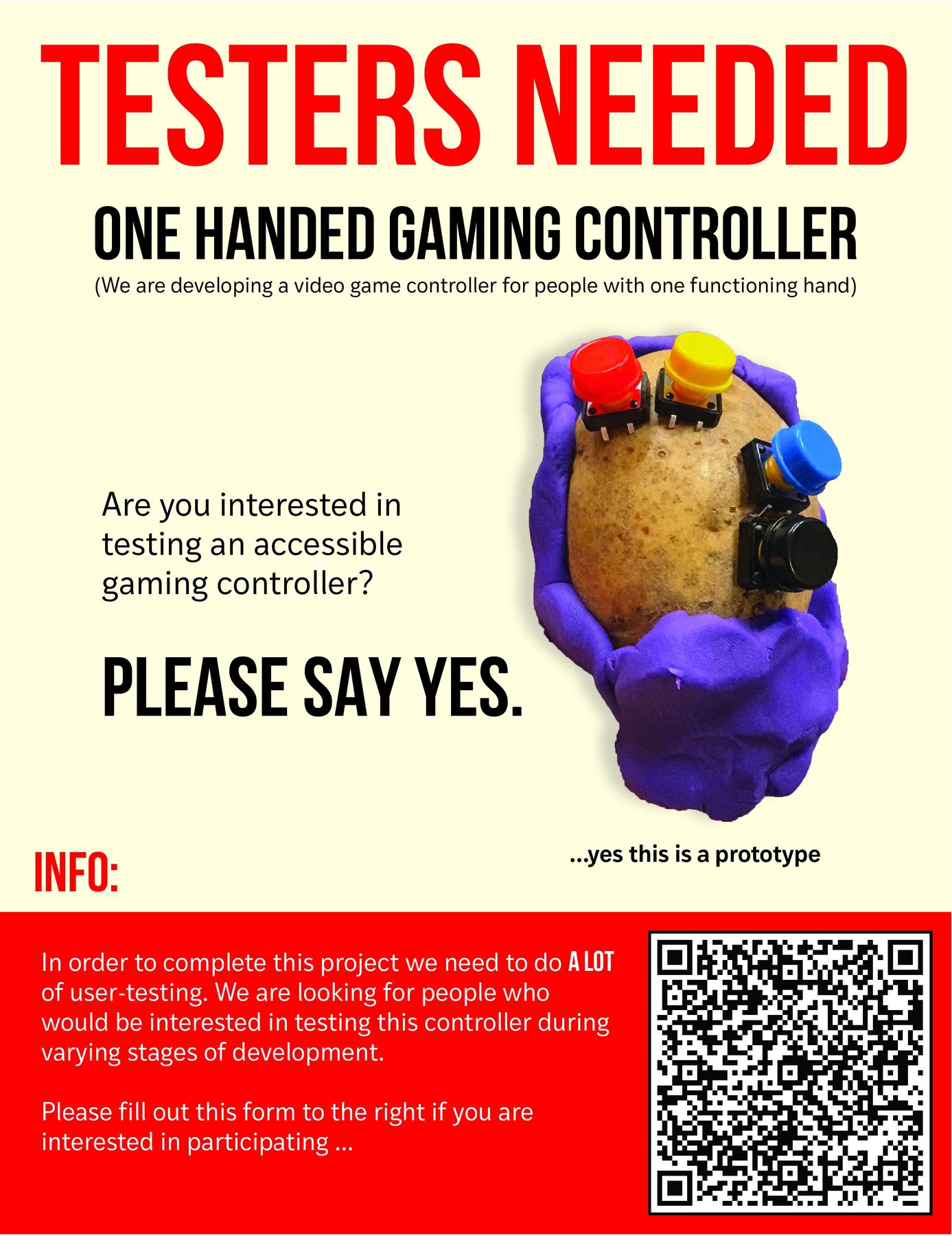
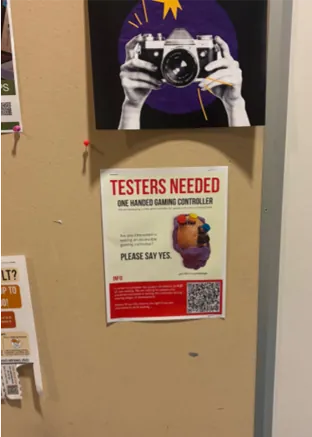

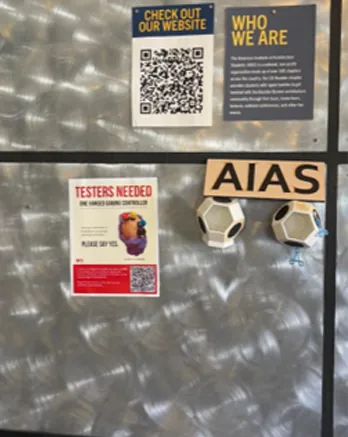
Test 1 - Community Designing a Game Controller
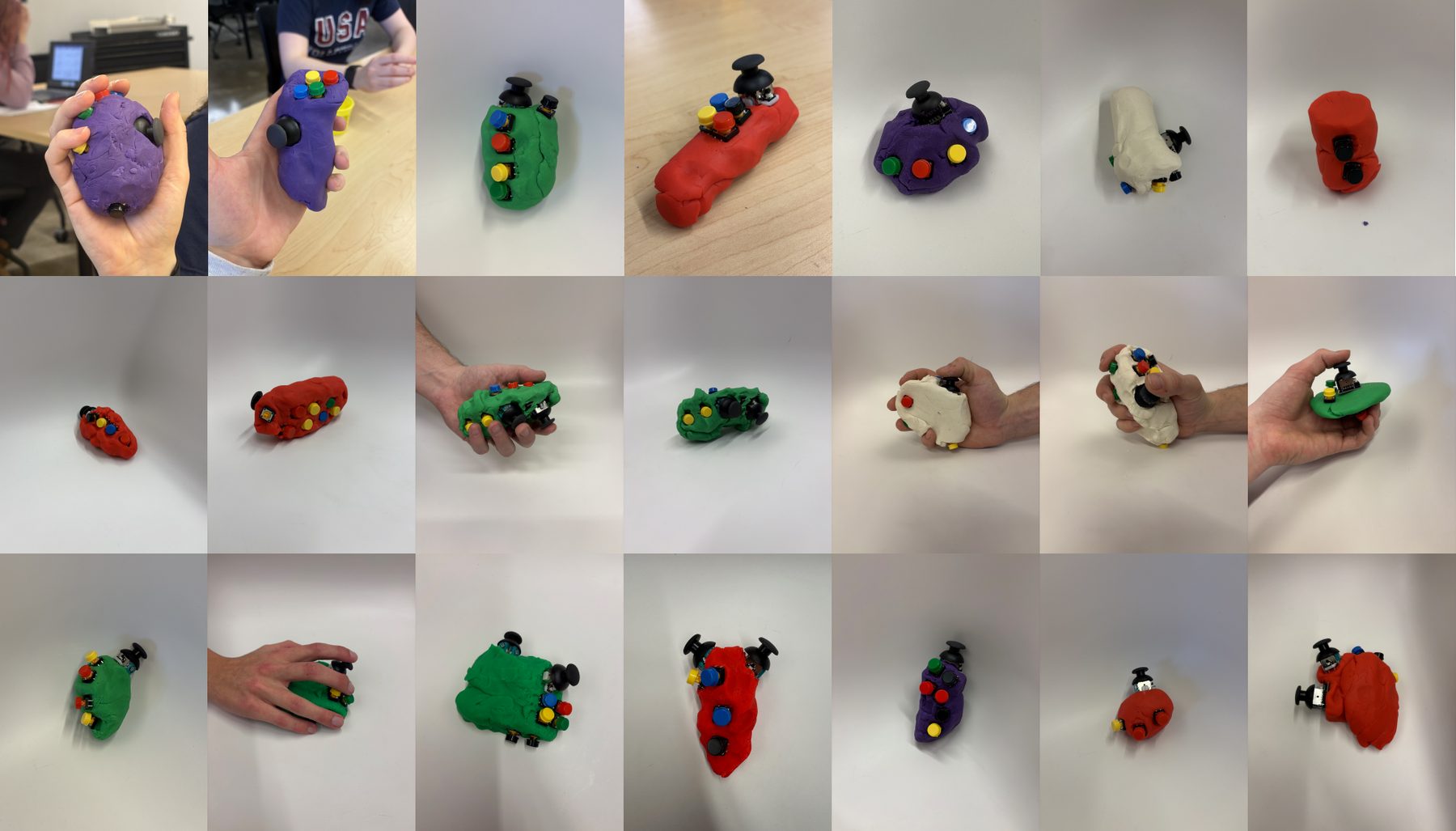
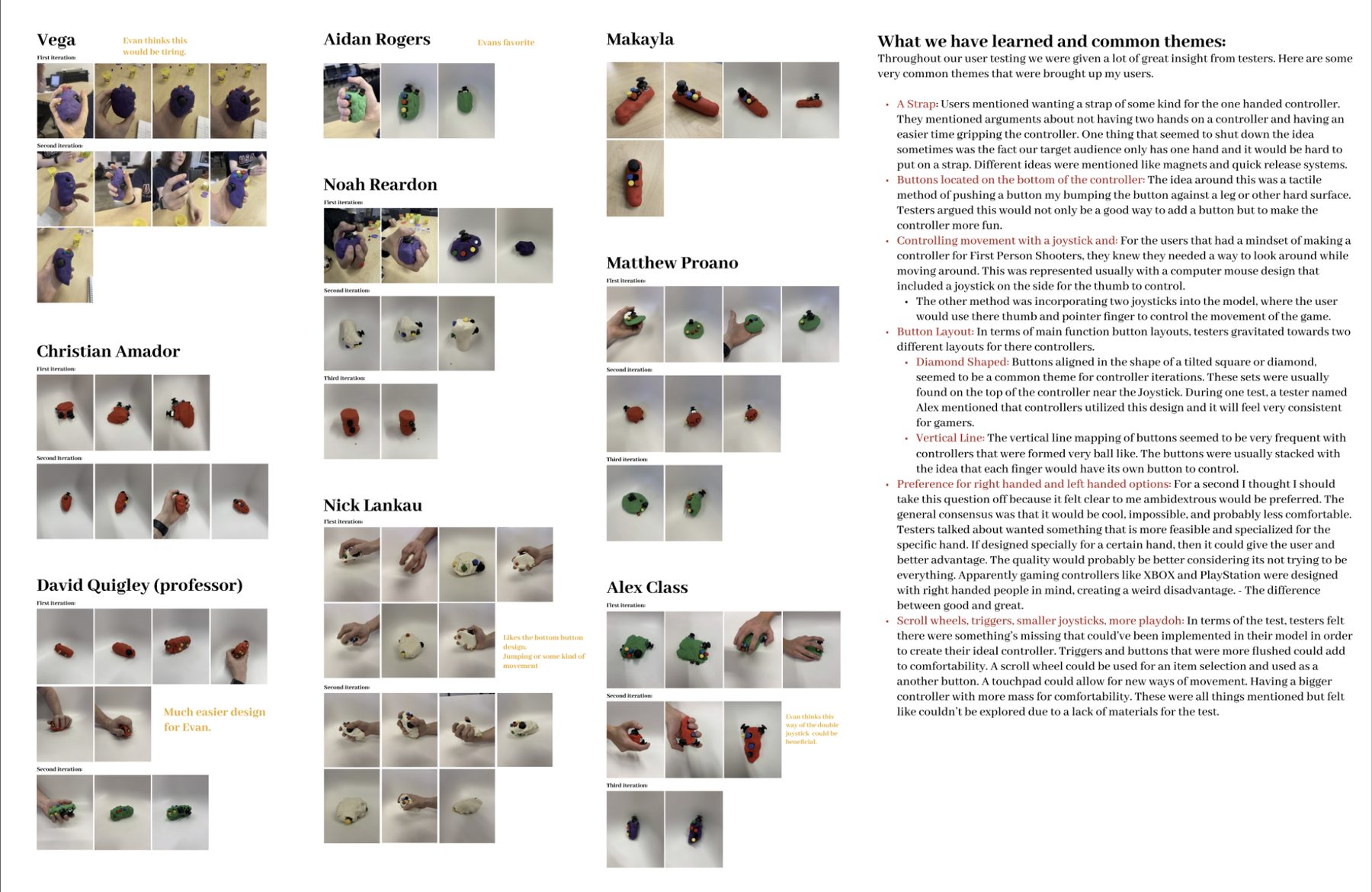
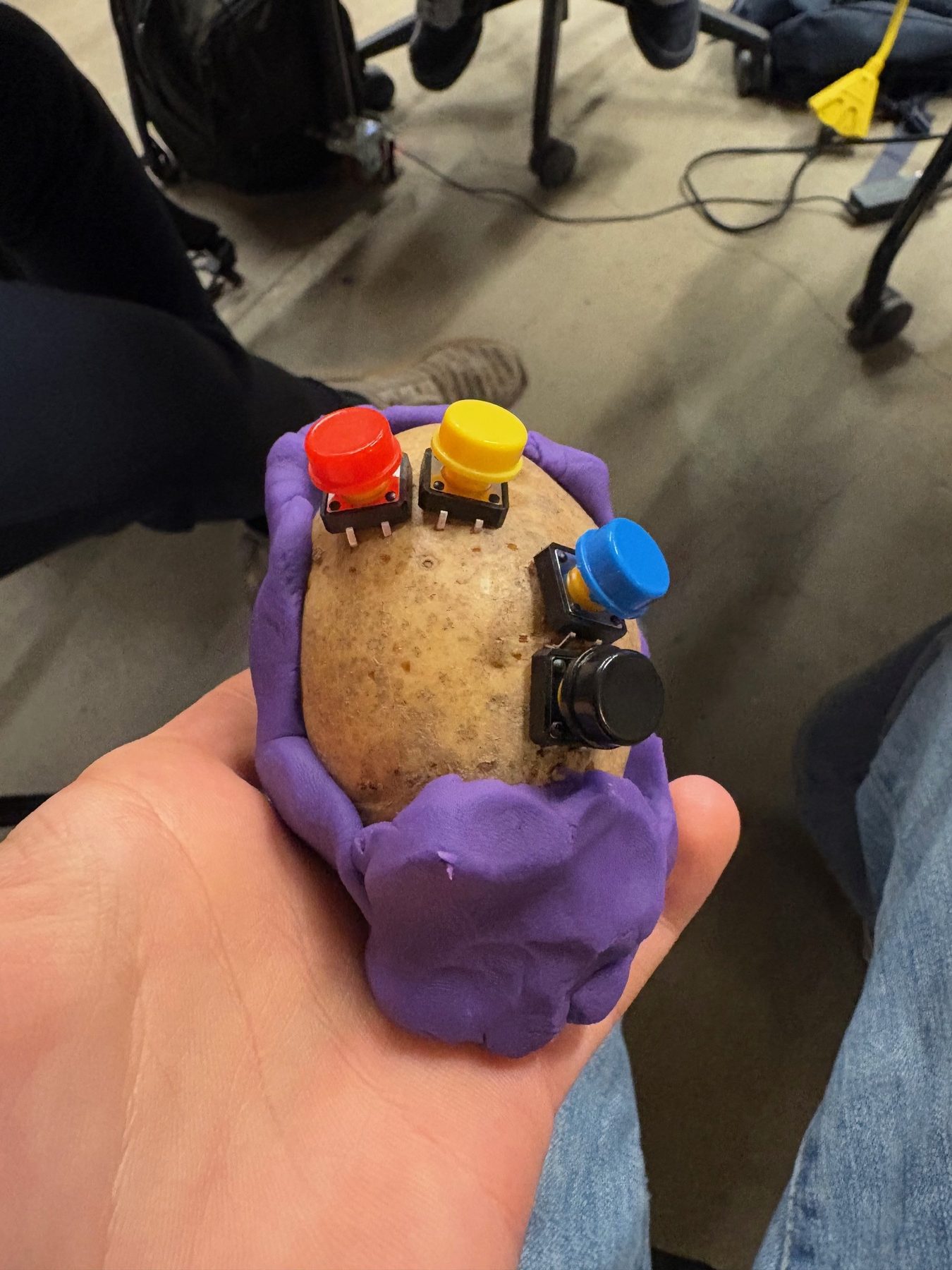
We found the best way to start designing for people, is to have people design. Testers built their own one-handed controller concepts with Play-Doh, a box of buttons, and two joysticks. Every person explored a different shape, grip, and button placement that led to a lot of the final decisions of our controller.
The Goal: Understand the common wants and needs for all gamers when thinking about a one-handed controller.
Key insights
- Testers prefered a specialized one-handed controller over an ambidextrous controller.
- Traditional button mapping and joystick placement were preferred over other options.
- Bottom-facing buttons kept coming up as a way to add control without giving up the grip.
Test 2 - What Did Controllers do Well?
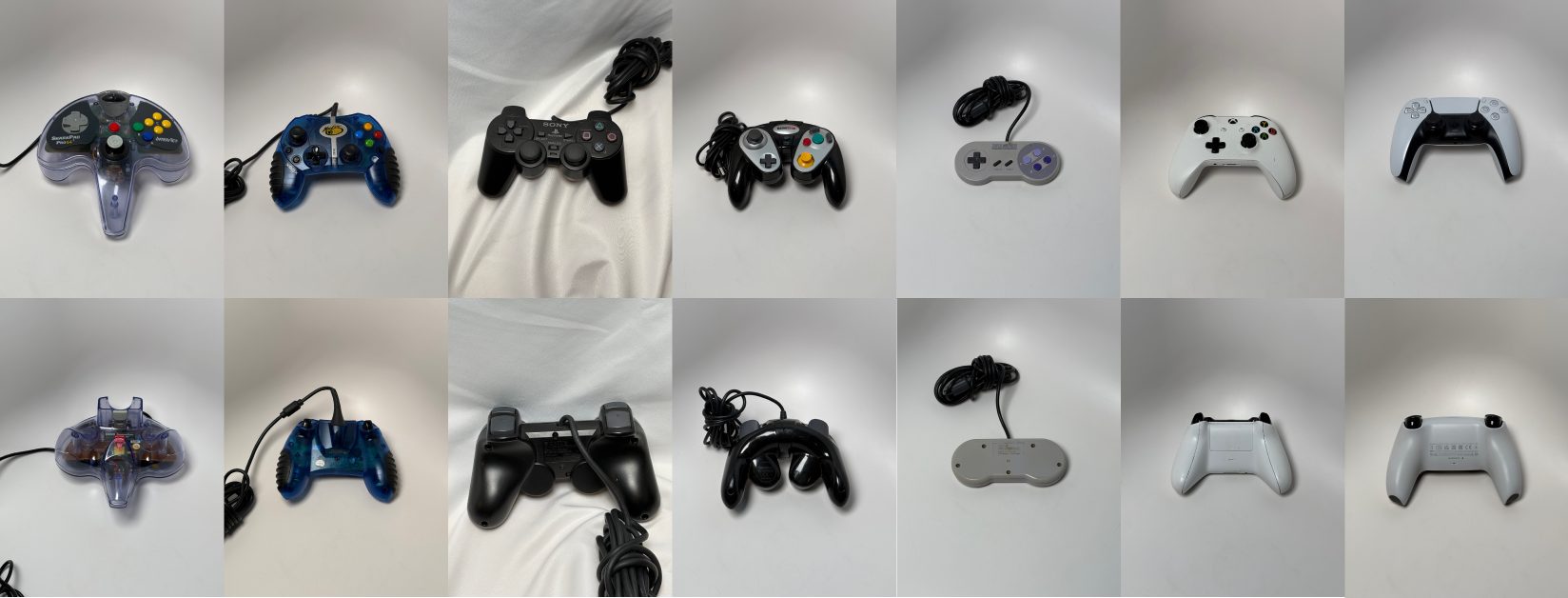
Through a local video game store, I was able to get a large amount of broken controllers, all different shapes and sizes.
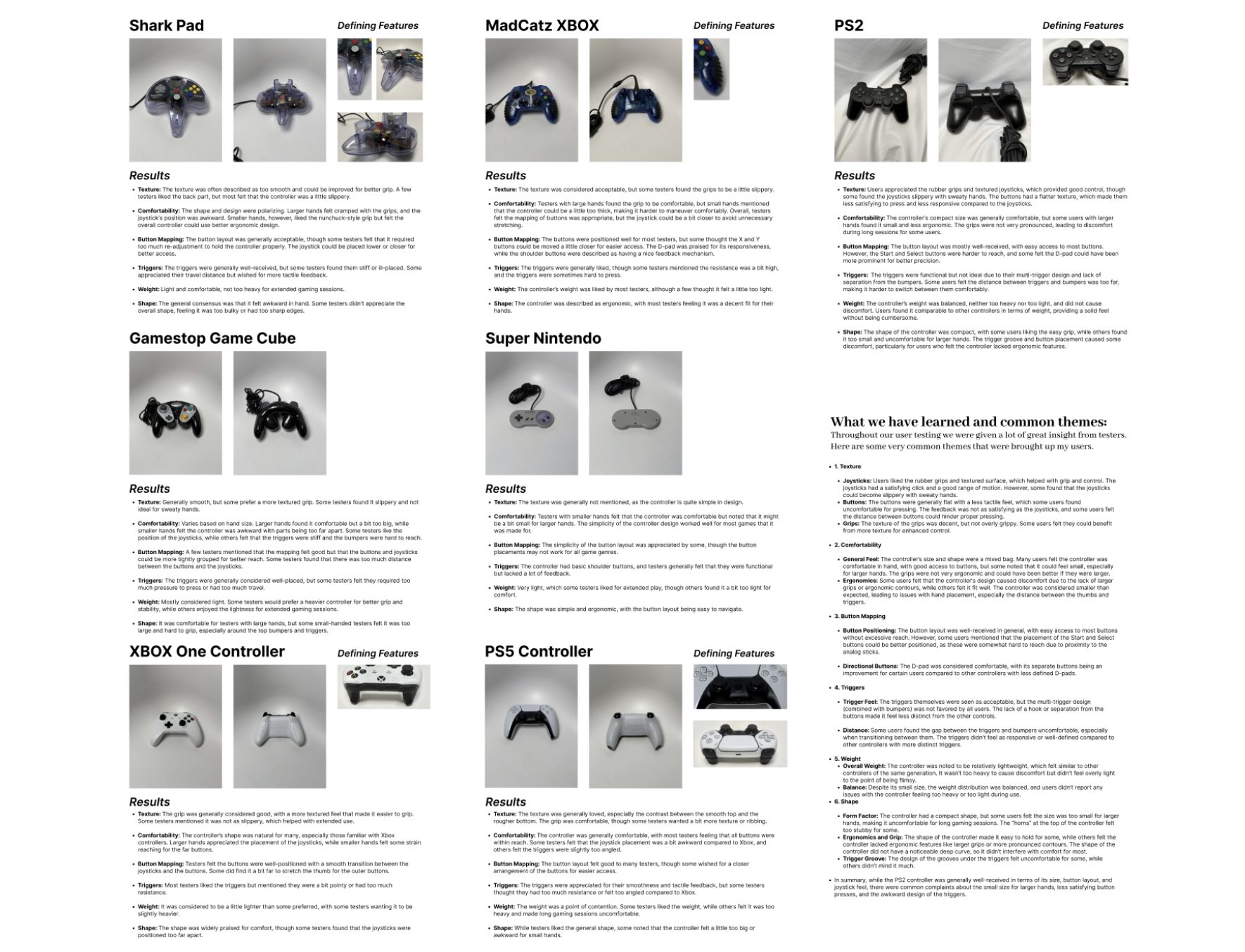
The Goal: See what people thought about each controller’s form and button mapping. What can we implement into our controller?
Key insights
- Familiar layouts and clearer button mapping scored highest for comfort and confidence.
- Texture and tactile feedback mattered as much as the overall form of the controller.
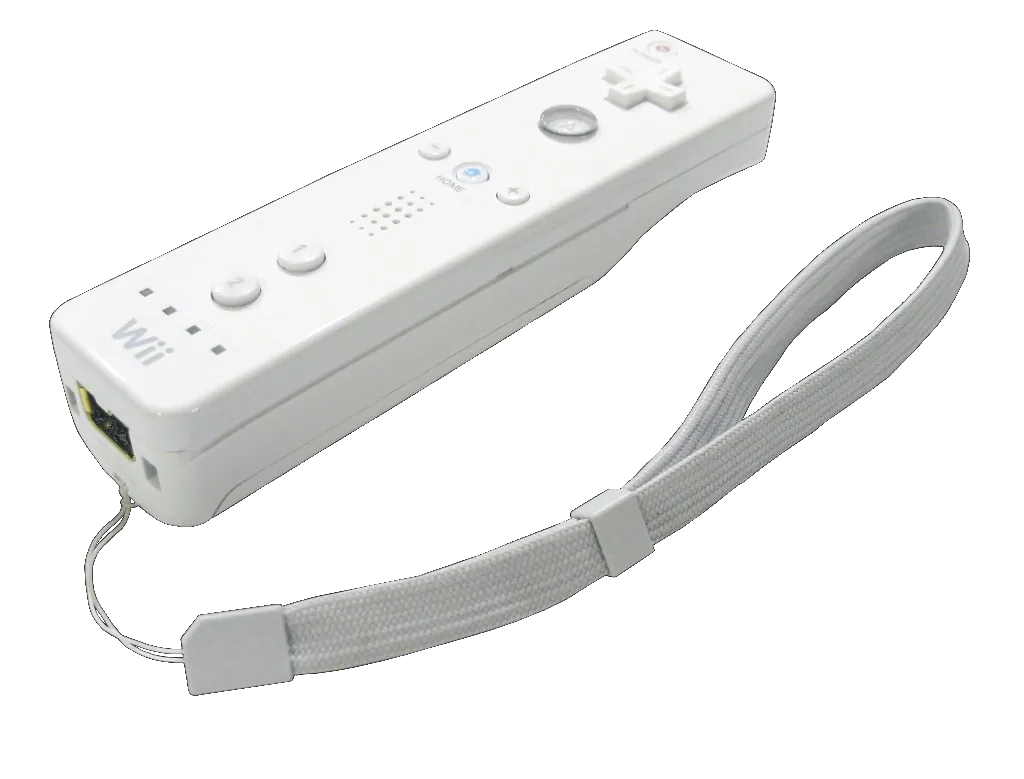
- The PS2 controller, Playstation 5, and the Sharkpad were the most comfortable controllers to hold.
Design Process
After our many rounds of user testing, we had a strong direction of what needed to be made to make this controller successful.
Early Concepts
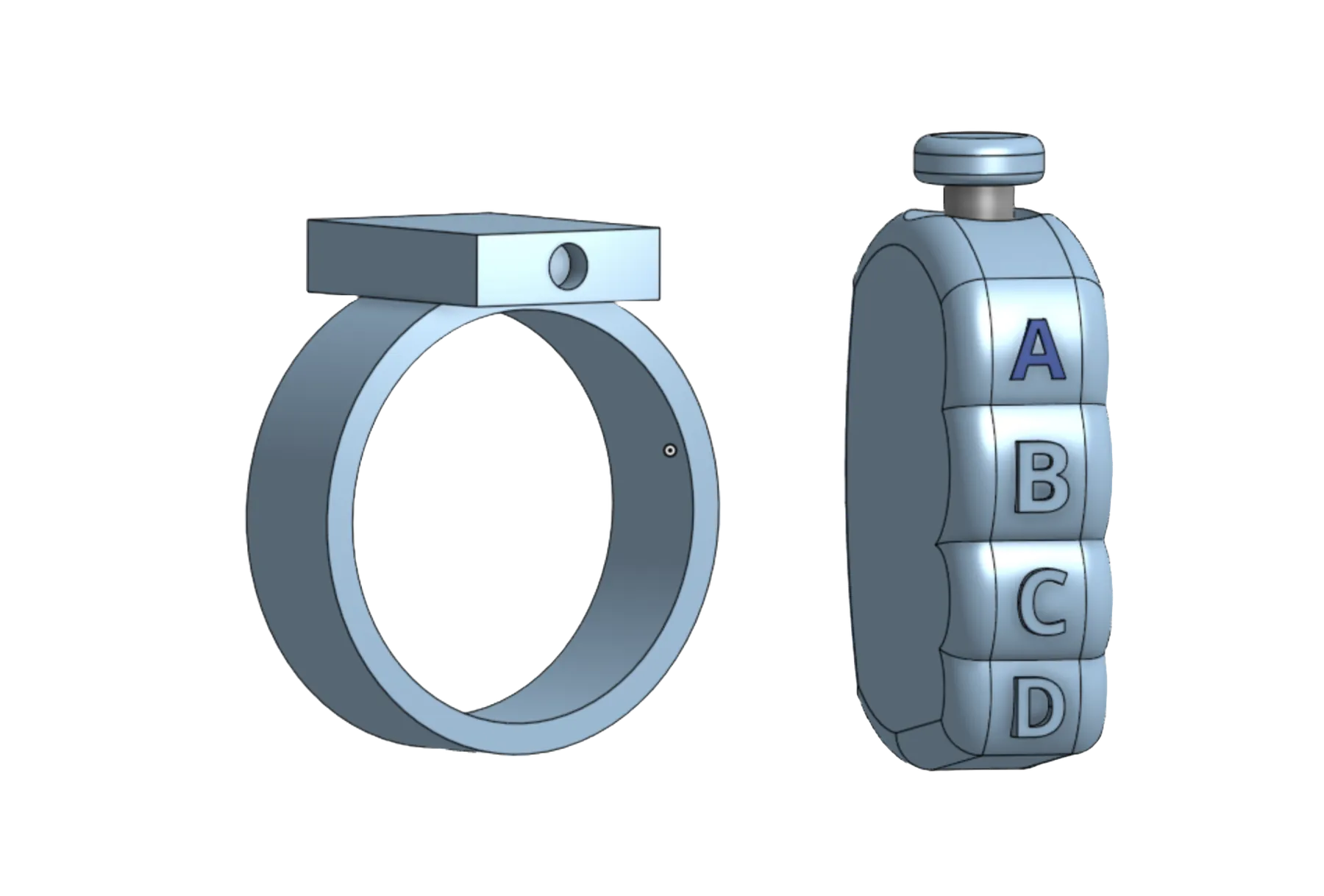
We played with the idea that it would require two limbs, due to my friend having most of his arm, but this did not last long because it didn't make sense for our goal.
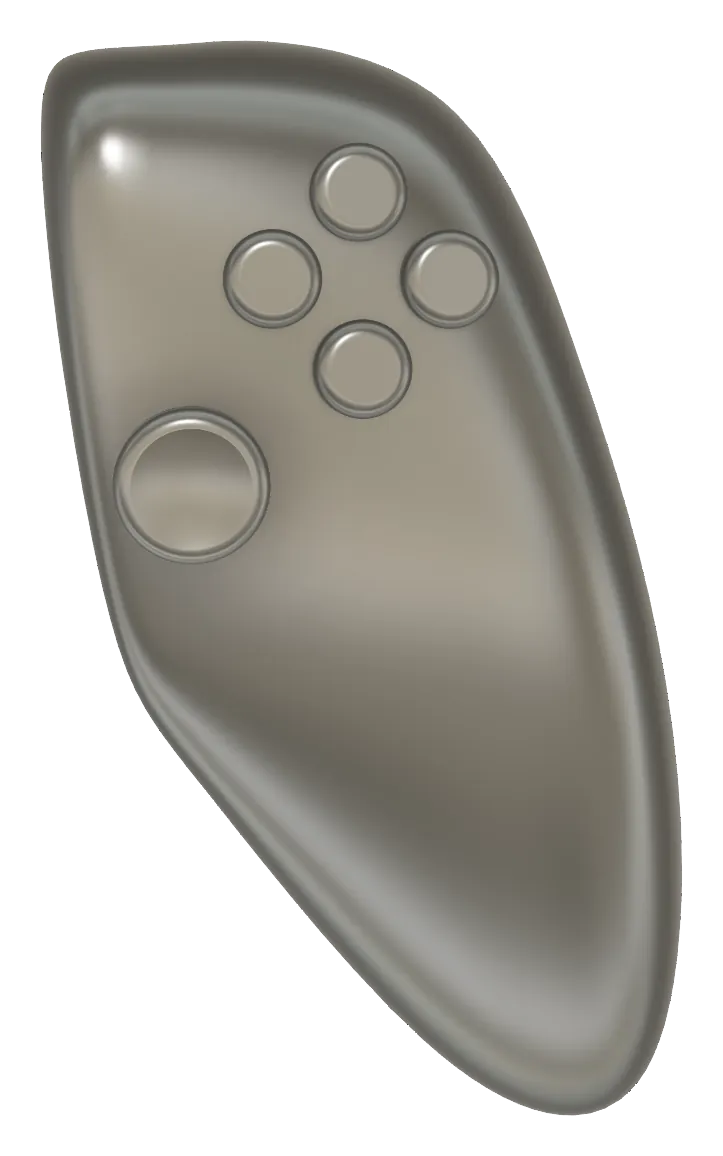
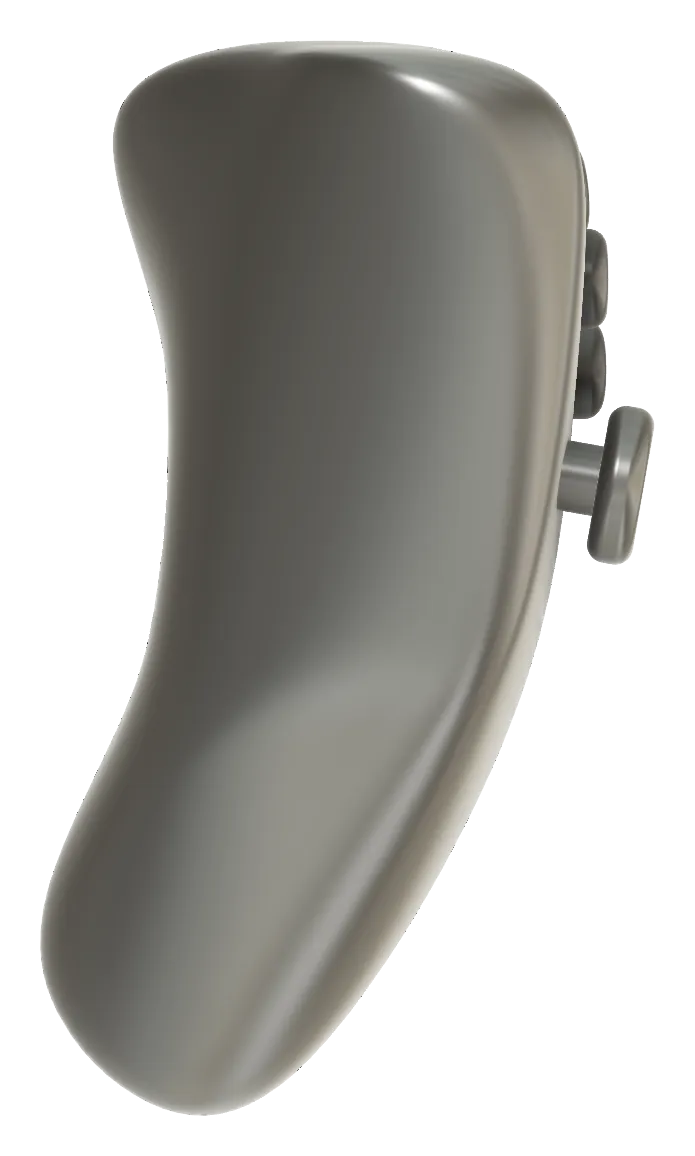
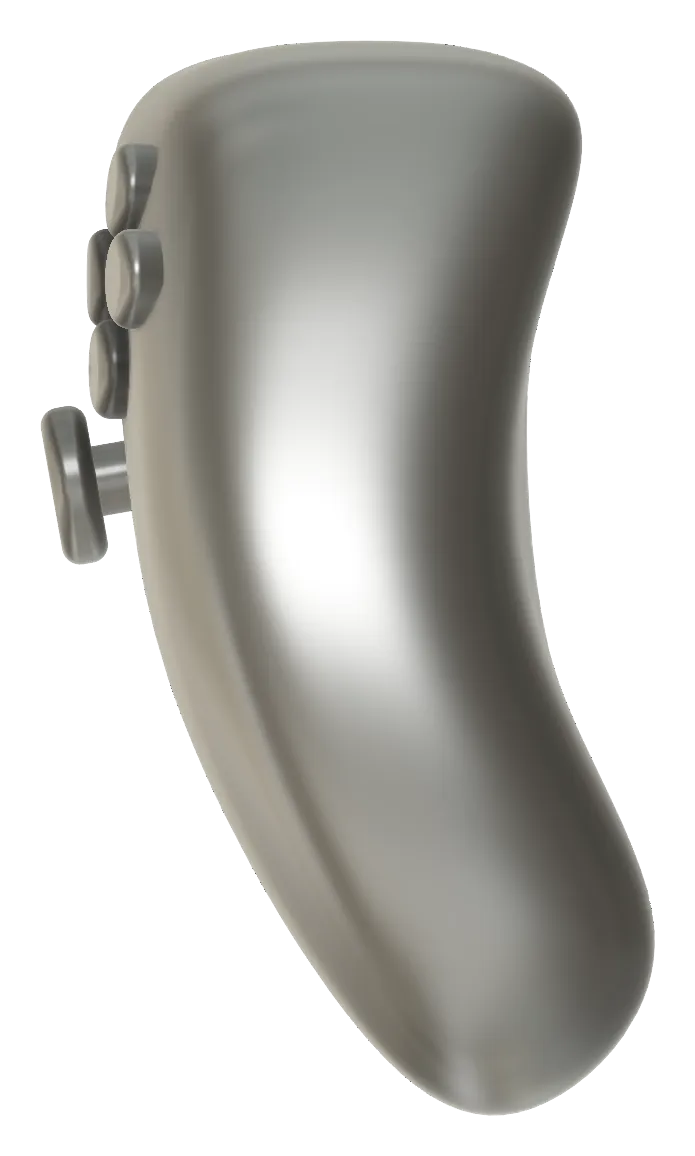
Iterations — Recooking the Potato Constantly
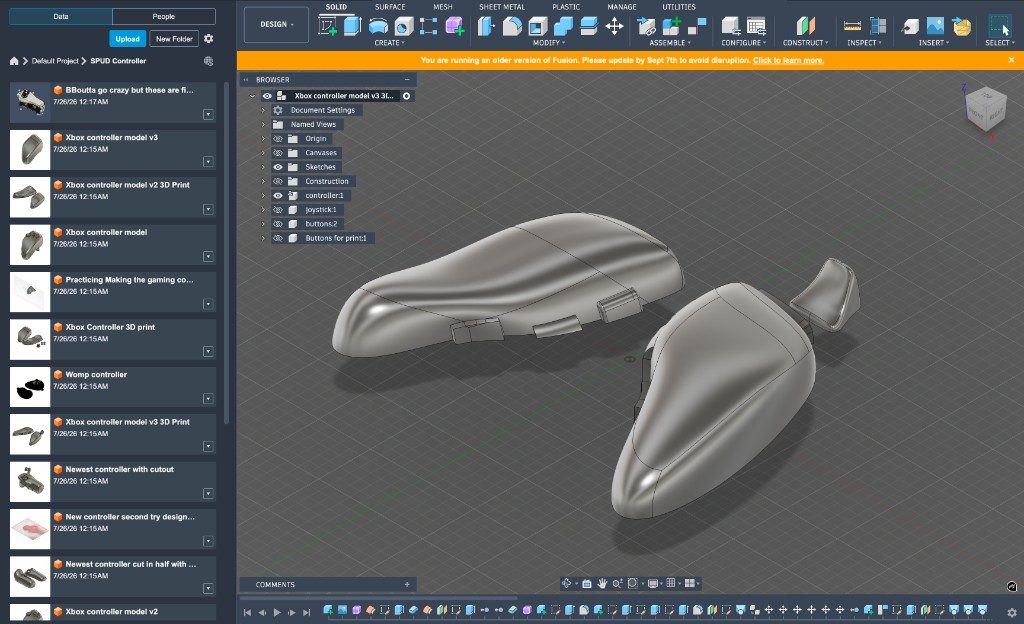
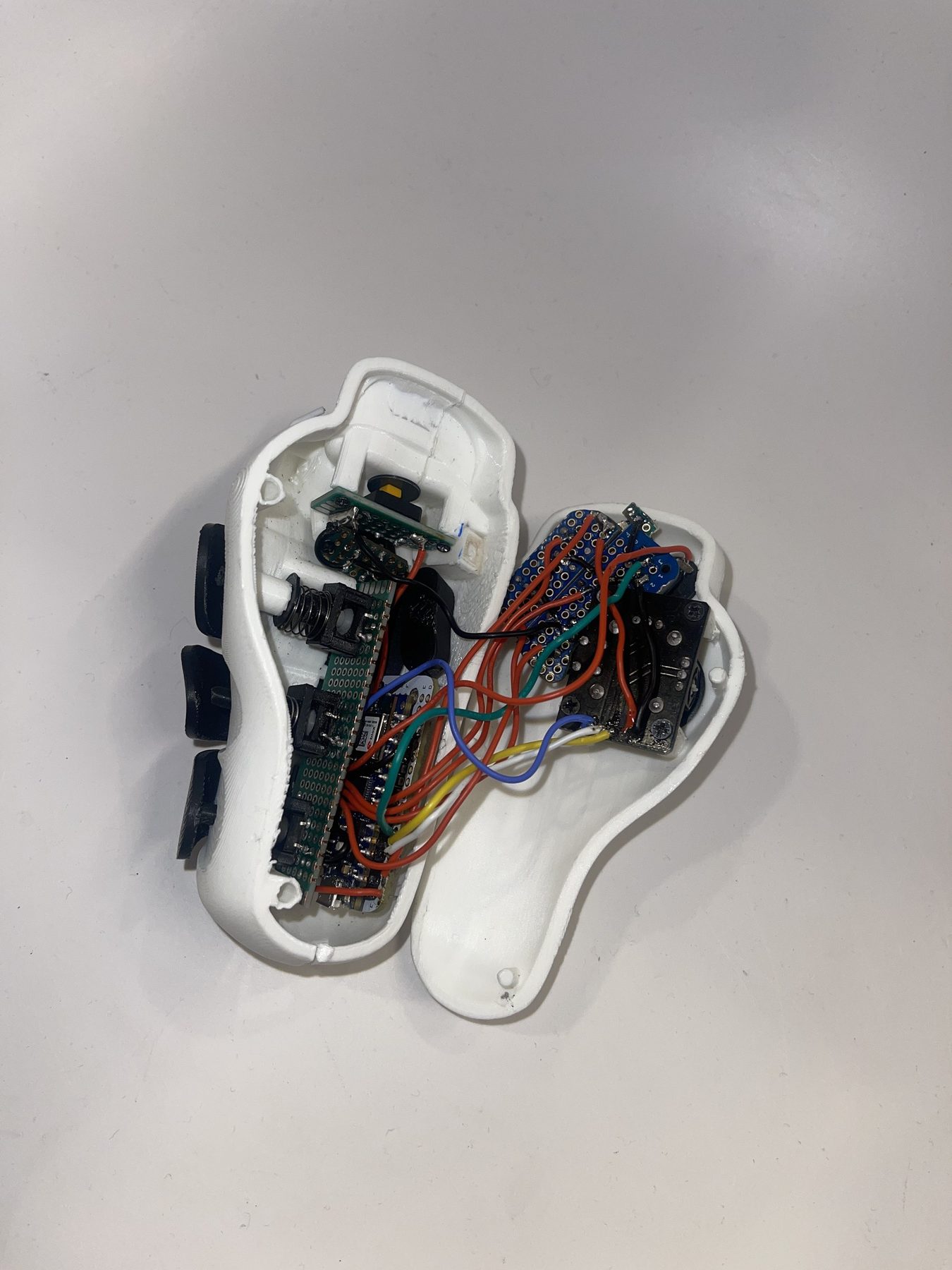
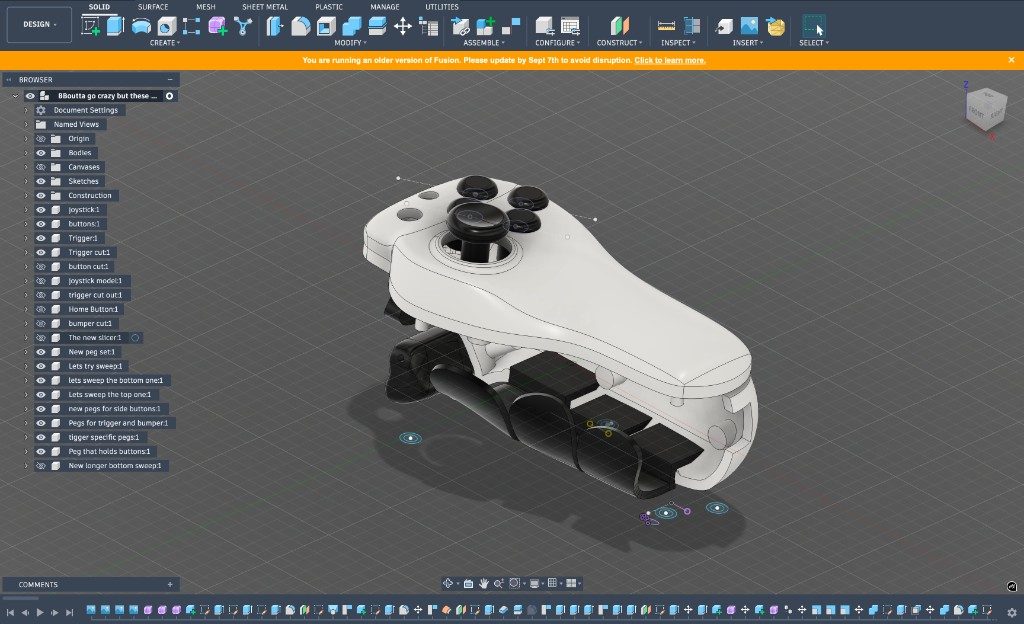
The best way to understand if the controller worked was to have it physically in hand. This meant that we had to 3D print the controller, and see what worked and what didn't.
Because this controller was 3D printed, we did not have endless tries at getting the design correct. This is when I learned how to make big changes in order to get big results.
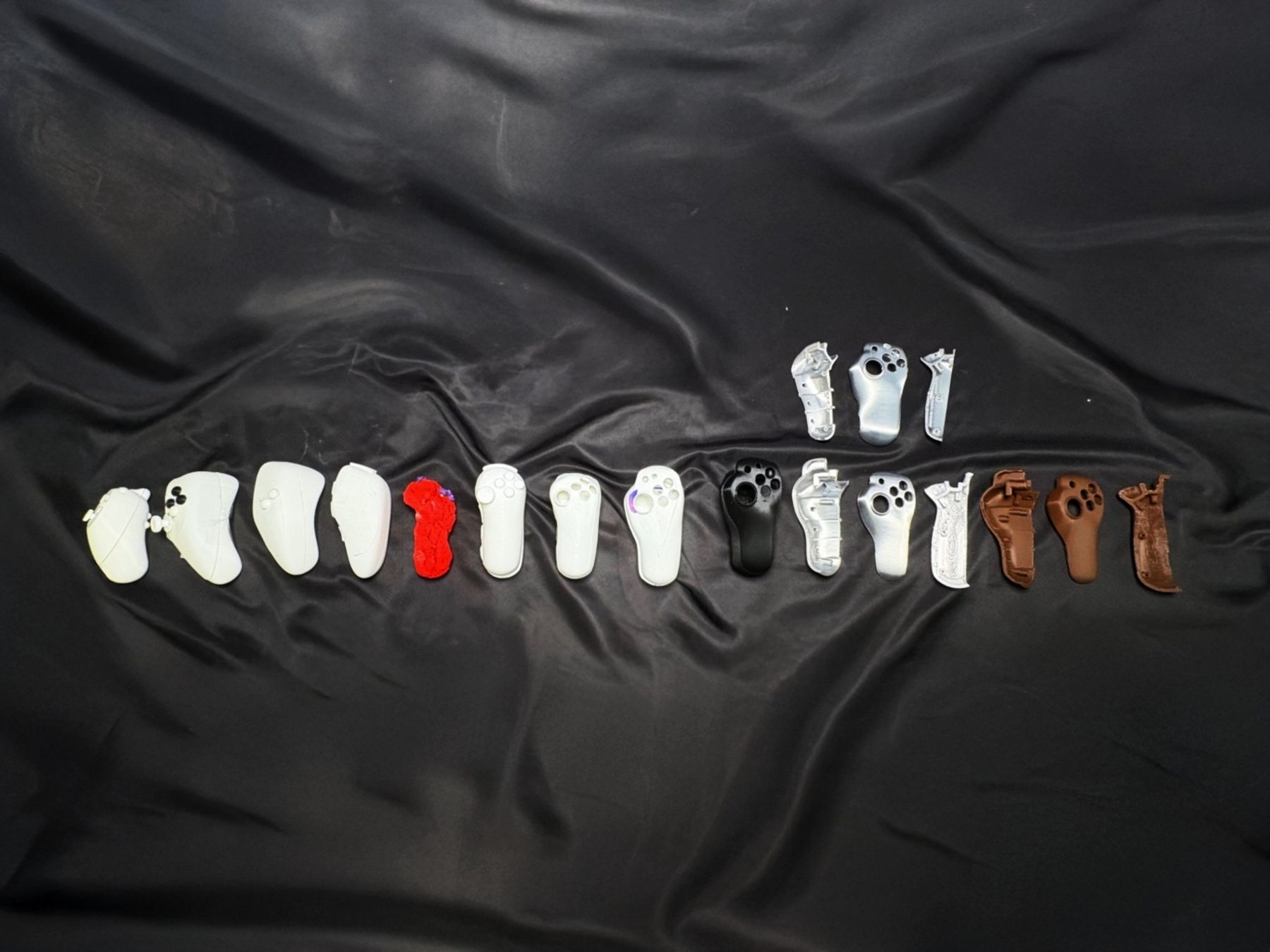
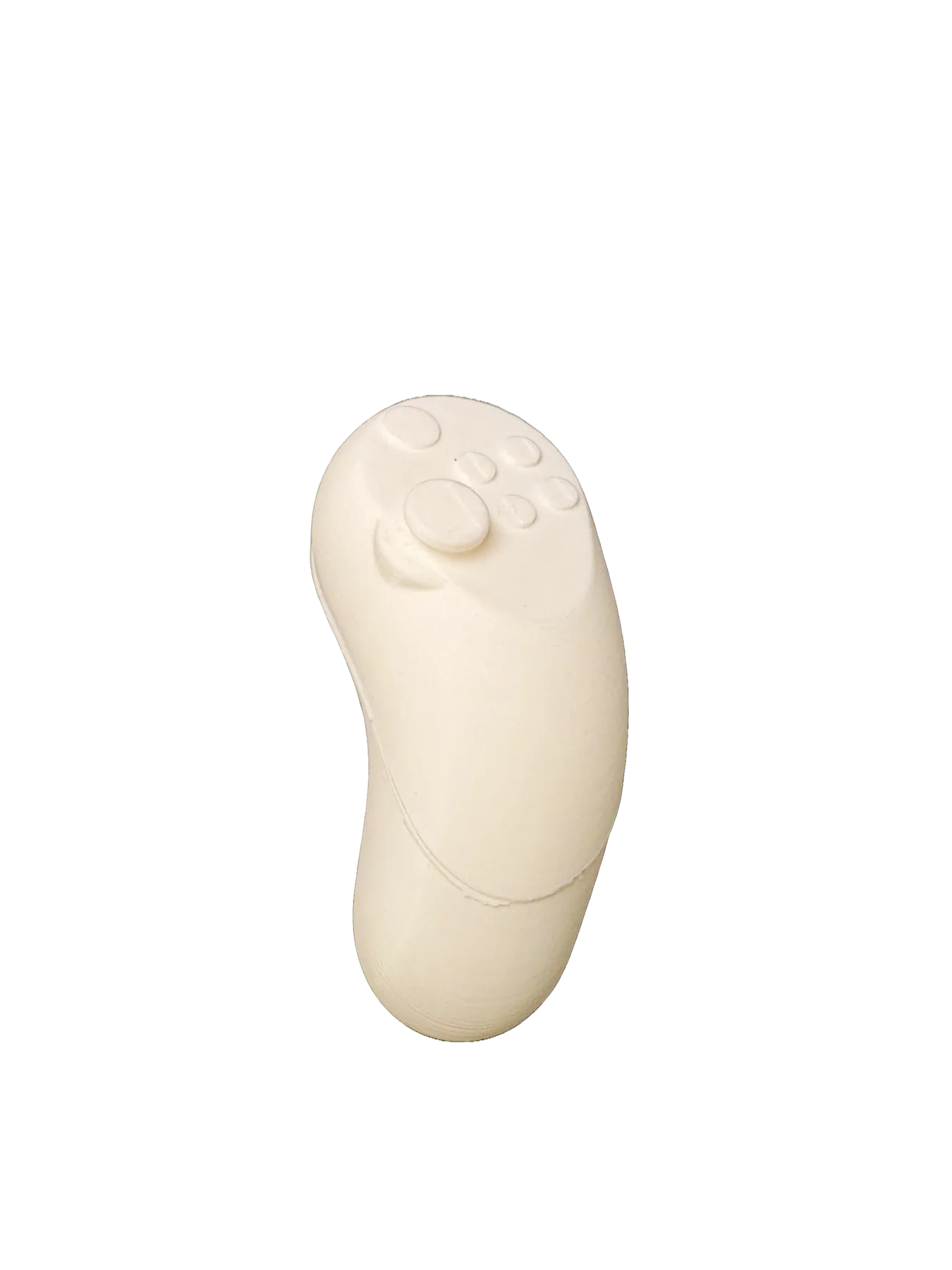
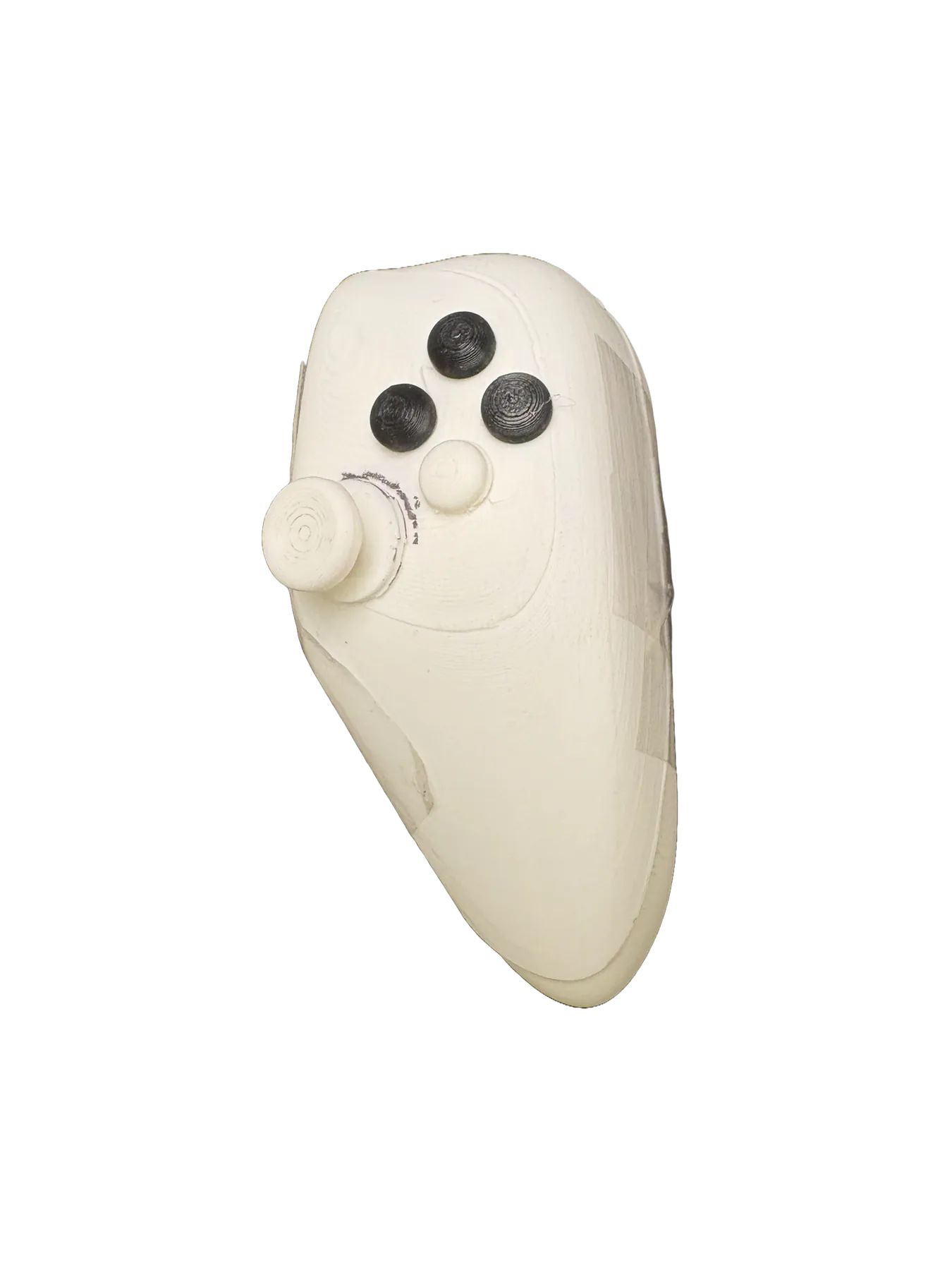
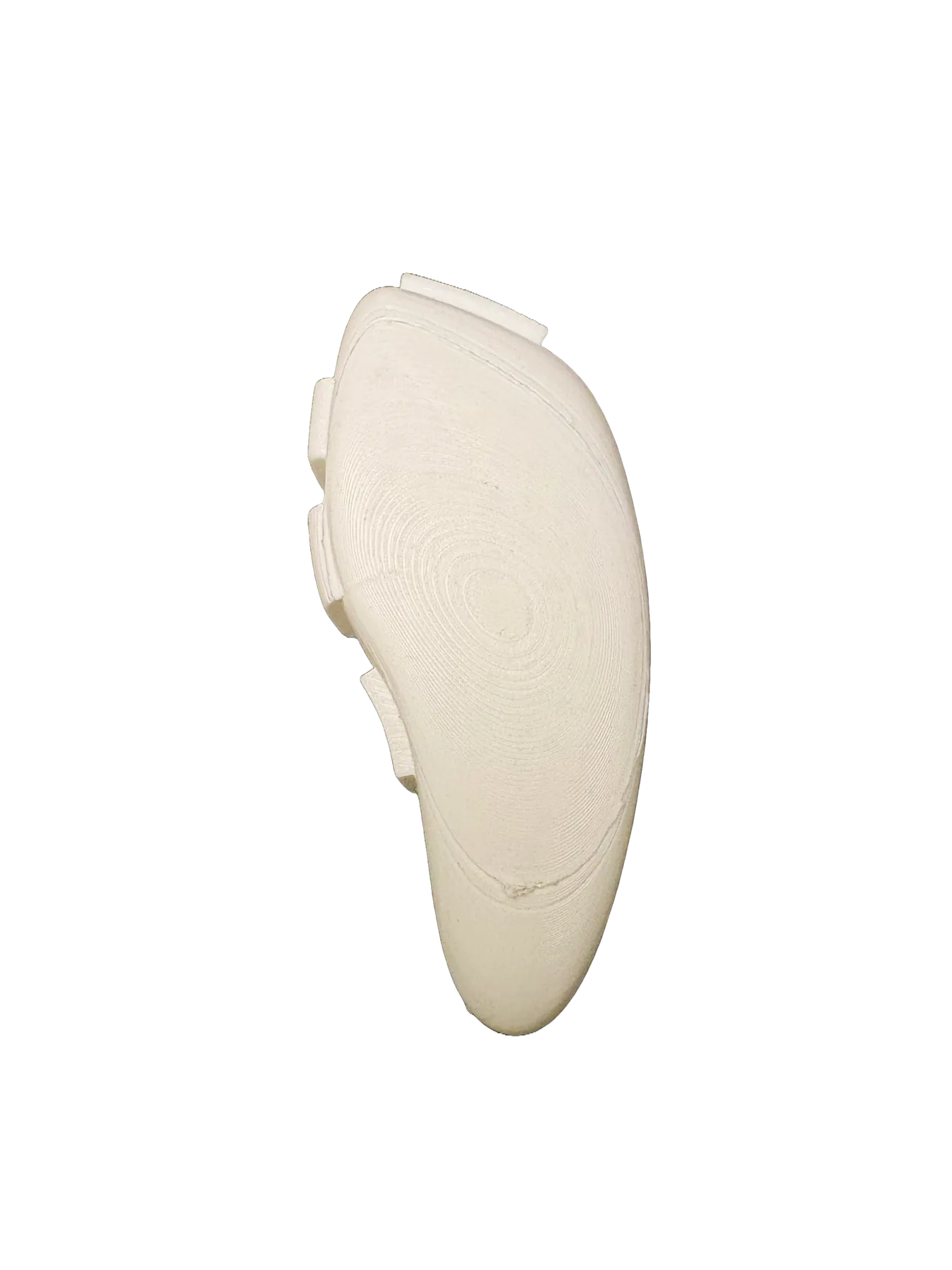
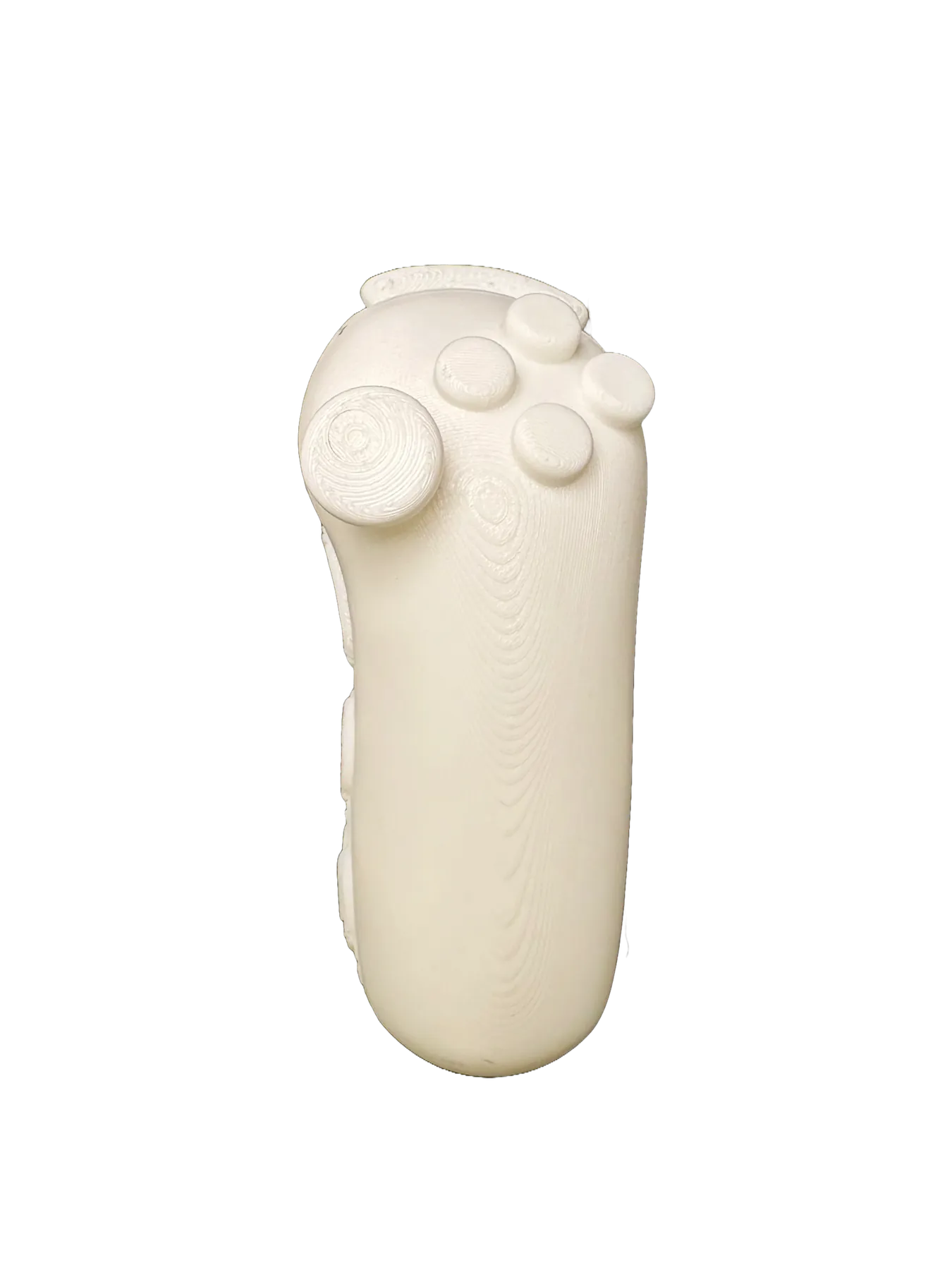
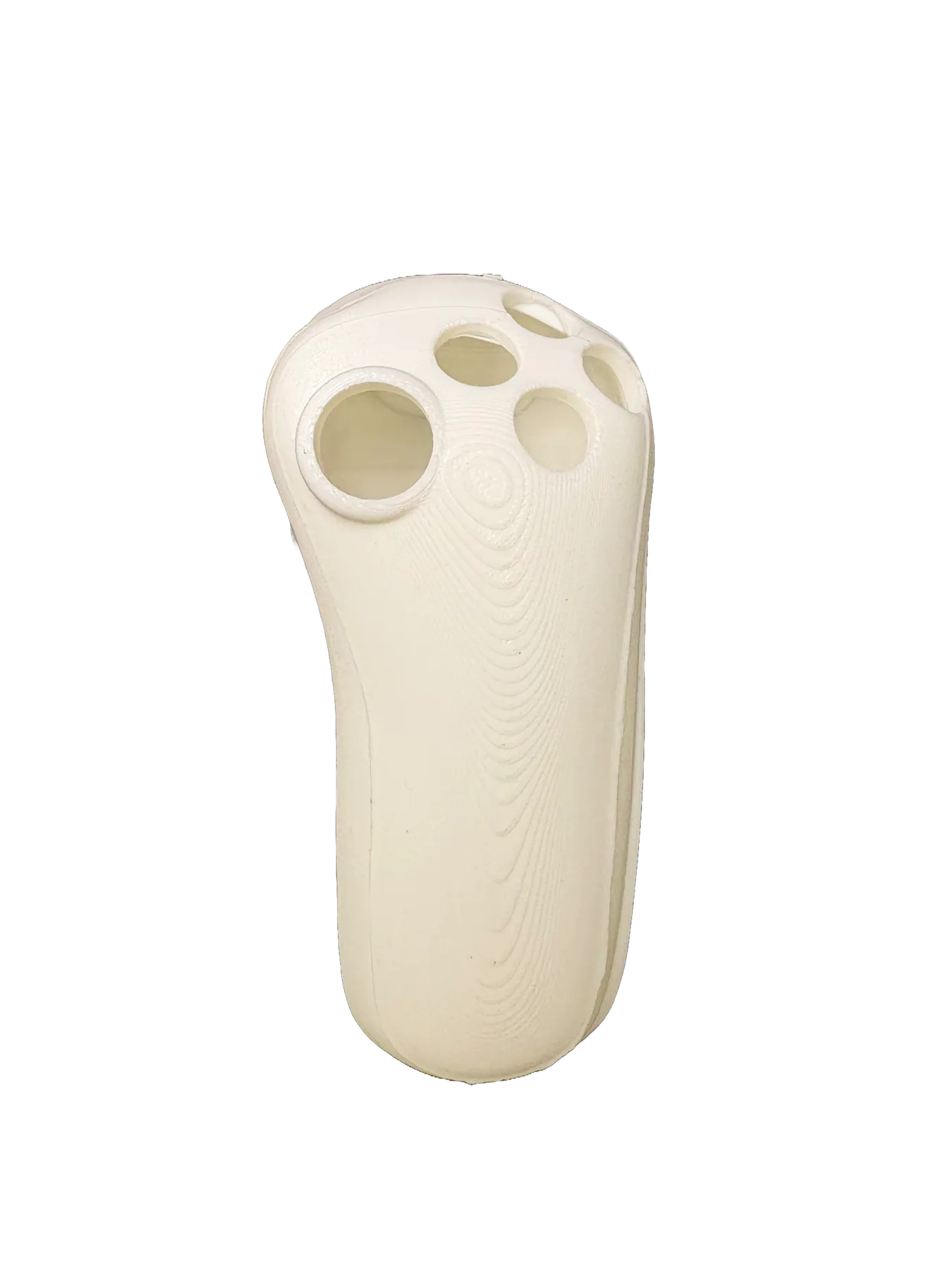
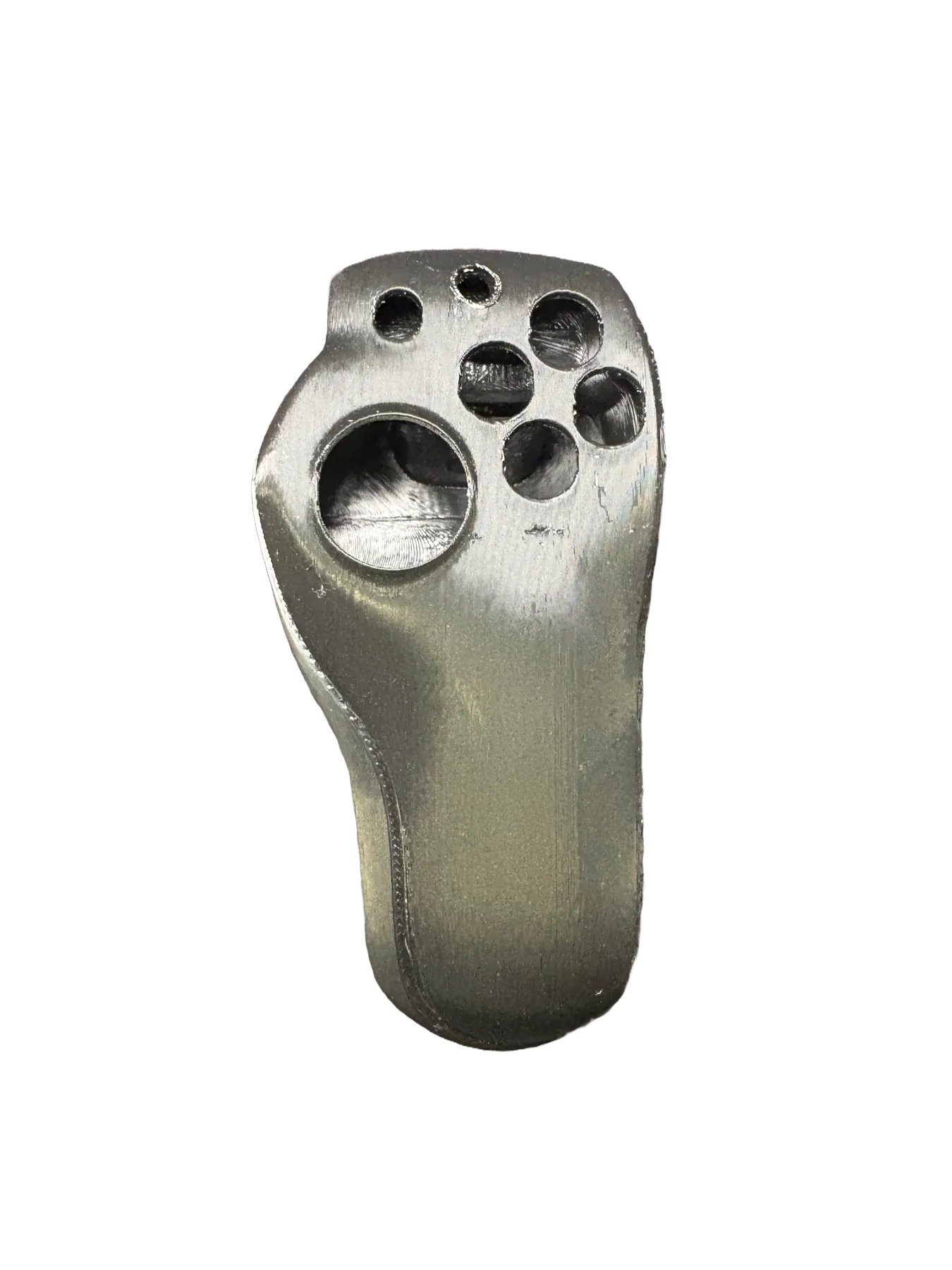
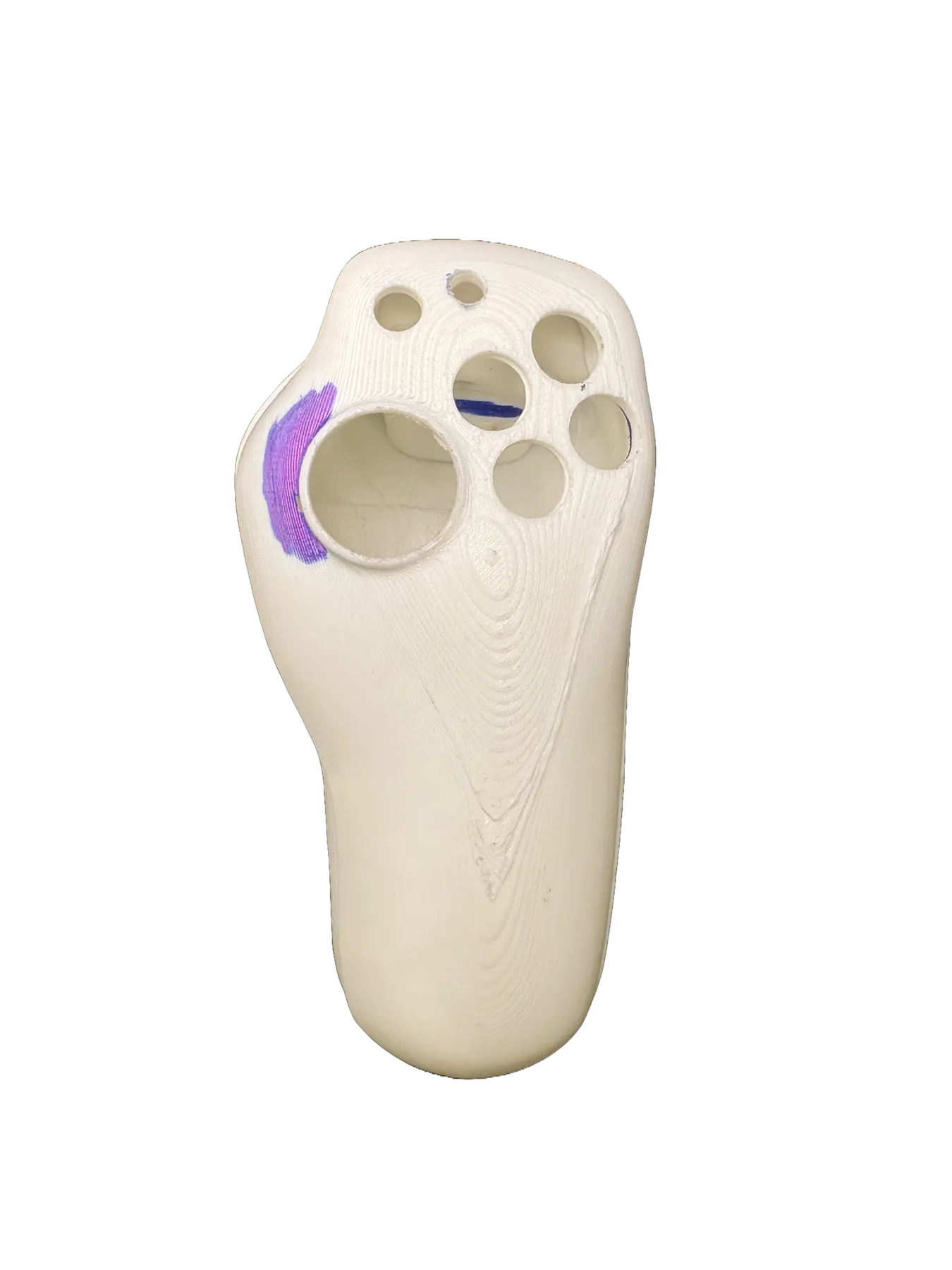
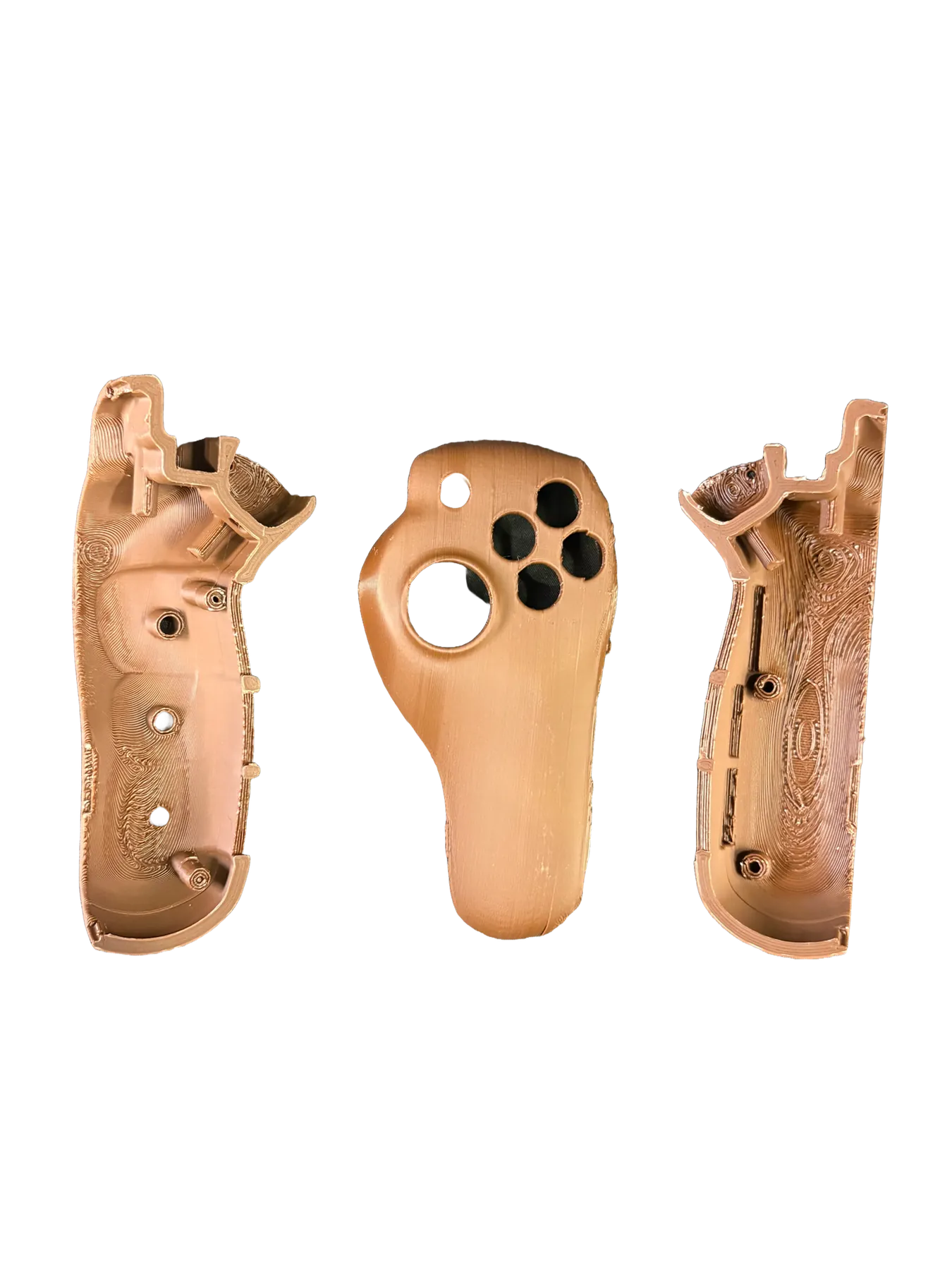
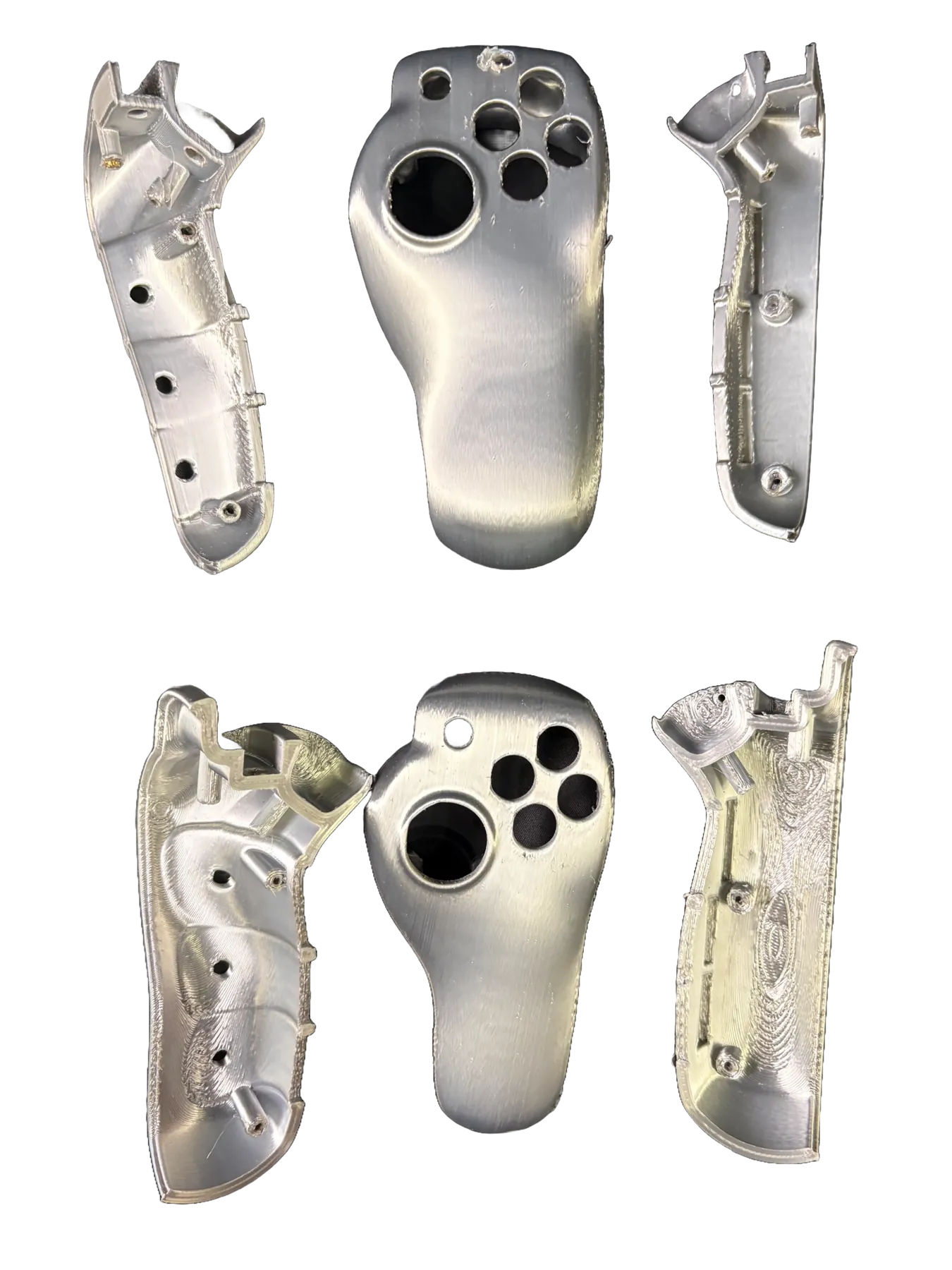
Dinner is Served, SPUD is Ready!
What Our Audience Said
While displayed at our end of the year expo, we received a lot of feedback about the controller. One thing that stood out to me were comments about how comfortable it was to hold, especially with the hand in a resting position, without straining to use the controller.
What I Would do Next Time
Tell Your Partner When the Potato Is Burning
In moments of high stress, it is easy to forget to communicate with your partner. This eventually led to feeling frustrated and overwhelmed. Setting up a in person weekly check-in and making sure their is a transparency throughout the project is key to avoiding friction.
Little Slices of the Potato Take Longer
Making small changes between each iteration gets you only a little farther. Big changes and multiple changes allow you to see big differences and hone in on the final design.
Thanks for looking at my portfolio. If you are able to, I would love some feedback on how I can improve this case study. You can enter below or shoot me an email at kaigfranks@gmail.com